3D Book / E-book Mockup Generator — flat cover to a real-looking book
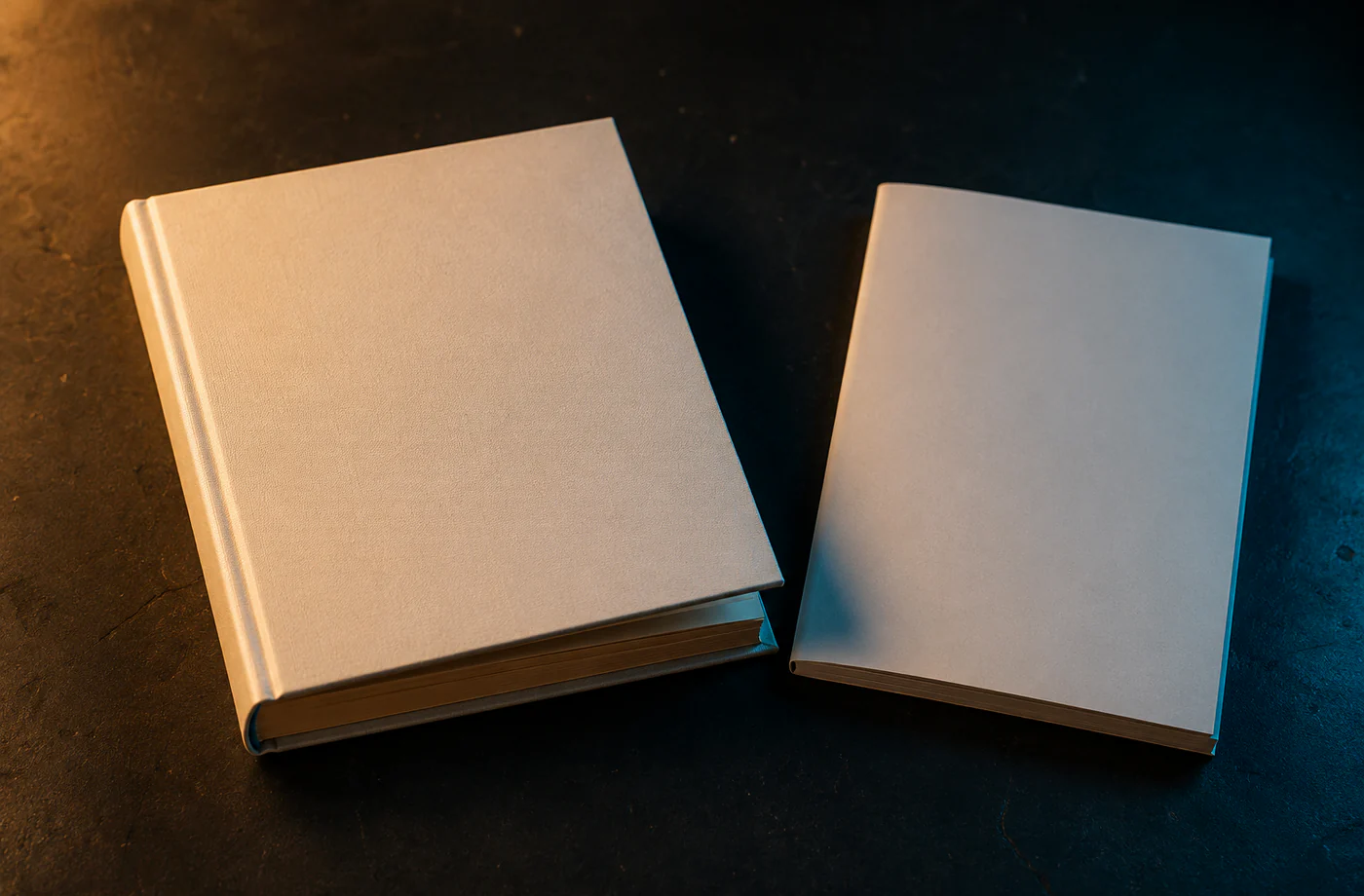
The book mockup generator takes one flat cover image and uses canvas perspective to turn it into a 3D book with thickness and depth — paperback or hardcover, with a spine and a soft shadow. Great for KDP/Amazon authors, e-book / white-paper / lead-magnet creators and course covers, making a flat cover look like a real book sitting there. It's composited locally in your browser; your cover isn't uploaded.
Book / E-book Mockup Generator 会在浏览器里生成一张可交付的样机图:放入文件、调好外框与画布,然后导出 PNG。文件不上传,也不加水印。
Drop an image, or click to choose
Stays in your browser
Book / E-book Mockup Generator
- 1Drop your cover (portrait rectangle, roughly 2:3 works best).
- 2Pick a style: paperback / hardcover / e-book 3D.
- 3Adjust angle, thickness and shadow for a natural 3D look.
- 4Pick a background and download.
Book / E-book Mockup Generator
- Flat cover to 3D instantly: canvas perspective builds a spine, thickness and depth — no 3D software.
- High-intent scenes: KDP authors, e-books, white papers and course covers all need a "3D book" display.
- Local compositing: an unpublished cover isn't uploaded — it stays safe.
- Free, no watermark: roll shots and use them straight in sales / landing pages.
Frequently asked questions
Which covers work best?
Portrait rectangle covers (around 2:3) work best — KDP paperbacks, Kindle e-books, white papers, lead-magnet e-books, and online-course covers.
Is my cover uploaded?
No — everything is composited locally with canvas; an unpublished cover never leaves your device.
How is it different from the poster mockup?
The book mockup makes a "3D book with thickness" (with a spine); the poster mockup frames a flat image and hangs it on a wall. Pick by the object you're displaying.
Updated · MockCat team
来源、复核与限制
最后核验
2026-06-17
作者
MockupCat editorial desk
复核
Visual asset export review
主要来源
- 浏览器 Canvas API
- 站内自绘样机框、灯光和阴影预设
- 常见社媒与应用商店导出尺寸参考
样机图只是展示素材。发布前请再次确认平台上传规则、品牌素材使用权限和最终导出像素尺寸。