Poster / Framed Mockup Generator — frame your image as a display shot
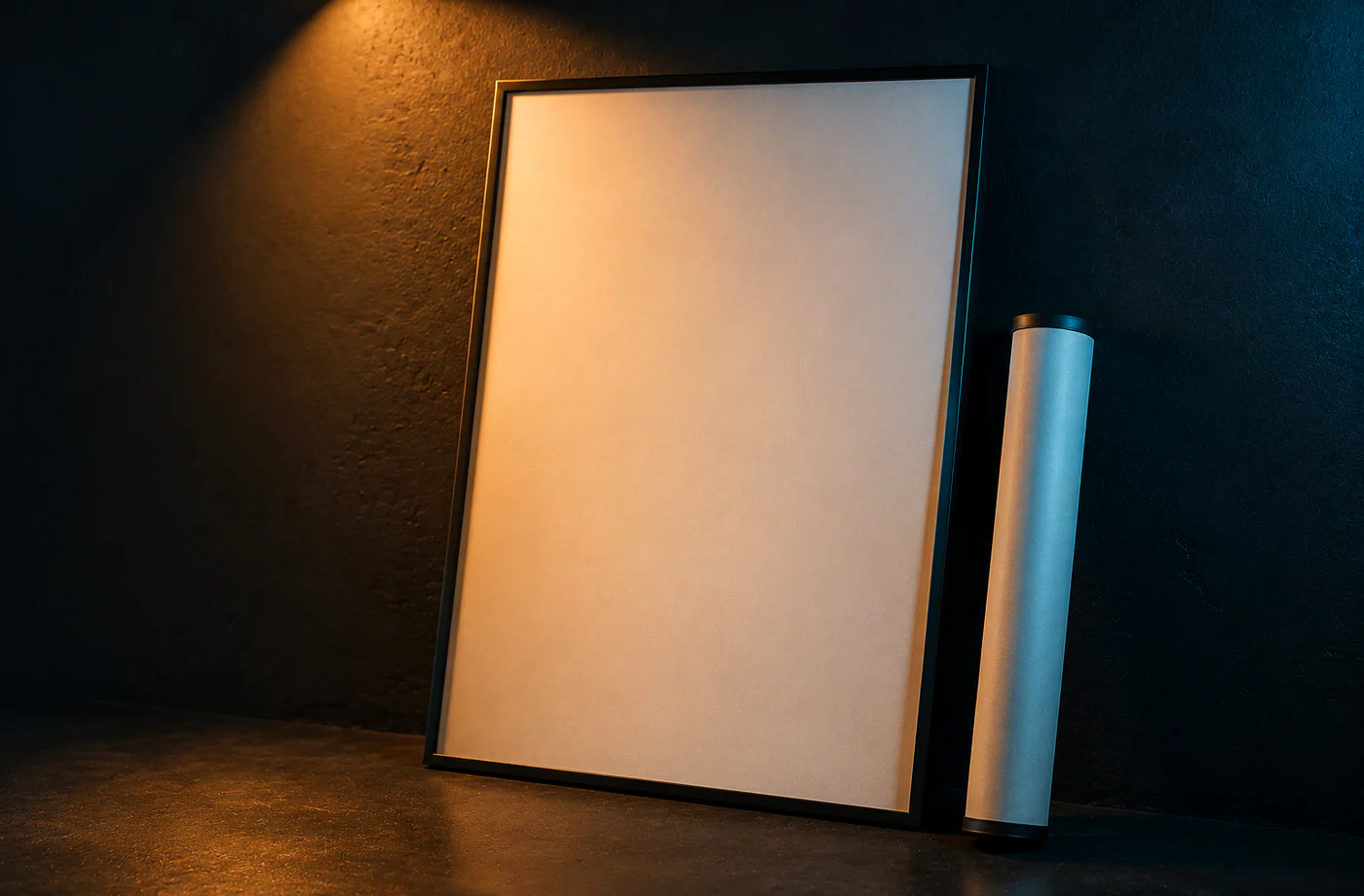
The poster mockup generator takes an image or poster you've already made, drops it into a frame and stages it on a wall / desk as a "display mockup" — making your work look like a finished print hanging on a wall or sitting on a desk. Great for art prints, Etsy sellers and photographers. Note: this tool frames an existing image — it's not a "make a poster from scratch" tool (that's postercat). It's composited locally in your browser; your image isn't uploaded.
Poster / Framed Mockup Generator builds a finished mockup right in your browser: drop your file, set the frame, export a PNG. Nothing is uploaded, and there is no watermark.
Drop an image, or click to choose
Stays in your browser
Frames artwork you already have — not a poster maker
How to use poster / framed mockup generator
- 1Drop the image / poster you've already made.
- 2Pick a frame style (thin / wood / none) and a wall.
- 3Adjust the frame proportions and shadow for a natural look.
- 4Pick a wall and download.
Why use MockCat's Poster / Framed Mockup Generator
- Put your work "on a wall": frame + wall scene turns a flat image into a finished display shot.
- High-intent: Etsy / art / photo / print sellers all need a "framed display" hero.
- Local compositing: your artwork isn't uploaded — it stays safe.
- Free, no watermark: roll display shots and use them as e-commerce heroes.
Frequently asked questions
How is this different from a poster maker?
A poster maker generates a poster from your text input. This tool is a display mockup — you already have an image/poster, and it frames it and hangs it on a wall as a display shot. One creates a poster; the other displays existing work.
Is my image uploaded?
No — everything is composited locally with canvas; your artwork never leaves your device.
Want a more realistic interior scene?
This tool does a lightweight framed display. For photo-real interior / café / gallery poster-on-wall mockups, use a photographic library like Placeit.
Updated · MockCat team
Sources, review and limits
Last verified
2026-06-17
Author
MockupCat editorial desk
Reviewer
Visual asset export review
Primary sources
- Browser Canvas APIs
- Curated mockup frame and lighting presets
- Common social and app-store size references
Mockups are presentation assets. Check platform upload rules, brand usage rights and final pixel dimensions before publishing.